


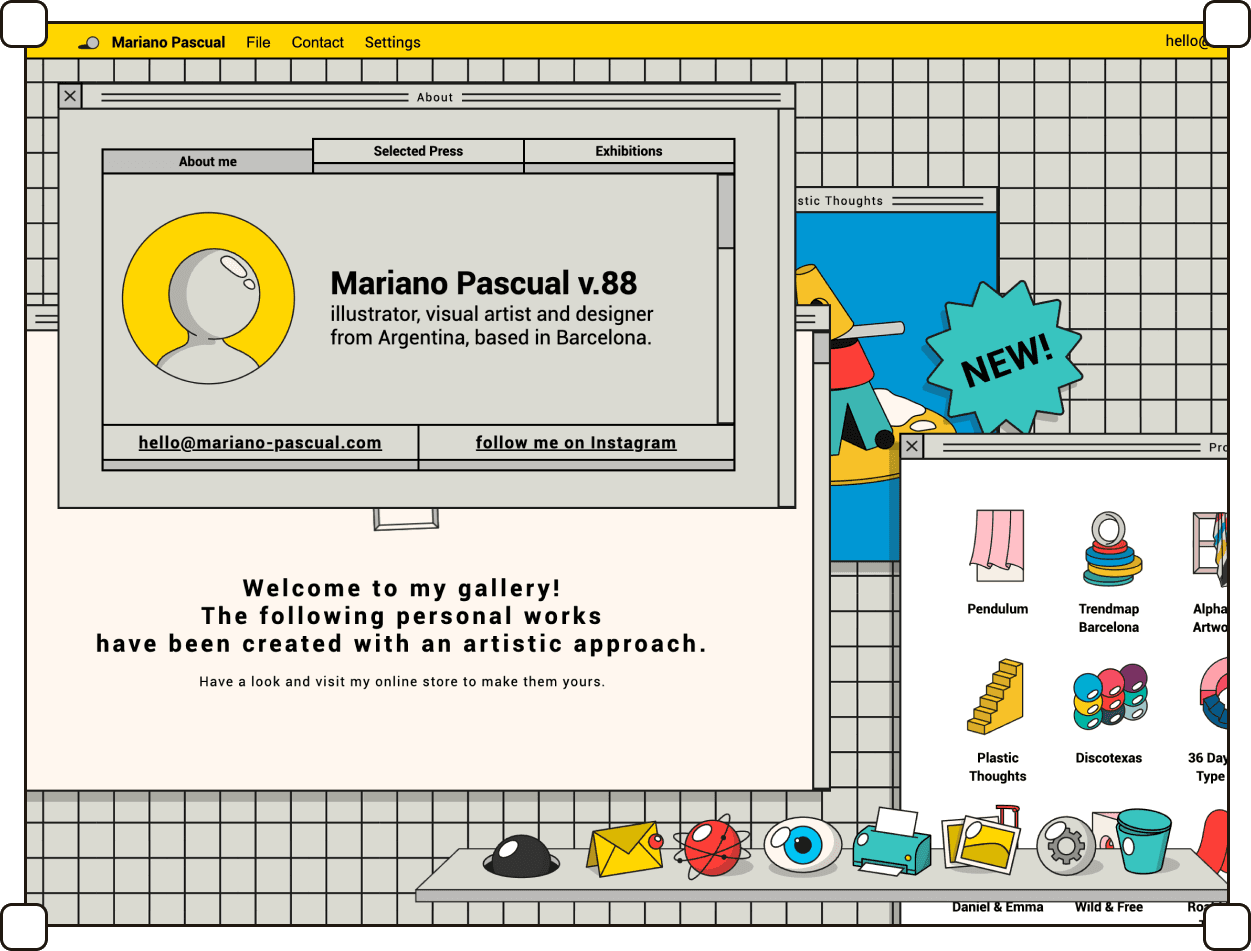


Status bars, title bars, draggable windows and retro scrollbars: the visual language of operating systems, brought into the browser.
Intro
Over several decades, operating systems like Windows, MacOS, and Linux have evolved as built-in infrastructures within our devices, providing access to successive layers of interfaces, whether through a browser or by downloading applications.
This style draws from the aesthetics of operating systems and the office-inspired desktop metaphor originating from the early days of computers.
This style uses familiar elements such as status bars, referencing the desktop metaphor, icons with labels, and window stacks (originating from piles of documents spread out on a desk).
Subpages are often displayed as overlay layers, similar to how applications open in an operating system on a computer.
In many cases, visual elements take on retro shapes, for example, scroll bars, which nowadays are less prominently marked in interfaces due to users’ familiarity with basic interactions.
Summary
listed
Sep 2026
Also known as
Desktop Core, Windowed UI, System UI
Sources
https://aesthetics.fandom.com/wiki/Webcore
Featured designers
asiagawron.com, wesdieleman.com, wedzicka.com
Typography
System fonts dominate — Arial, Verdana, Tahoma, or their modern counterparts like Segoe and SF Pro — the kind of type that ships with an operating system rather than being specified for a project. Monospaced faces appear where the retro angle is strongest, echoing terminals and early text editors. Occasionally a serif is dropped in as a deliberate play against convention, but this remains the exception.

Illustrations
Standalone illustrations are uncommon. Where illustrative work does appear, it takes the form of desktop-style icons — small pictorial images with labels beneath them, borrowed directly from the visual grammar of operating systems. Illustration here is mostly functional: something you click, not something you look at.

Corner rounding
Corners are typically sharp, following older operating systems in which windows, buttons, and inputs were hard rectangles. Rounding shows up only when a project leans toward a more recent OS look — macOS-style window corners, for exapmle — and even then it stays small.

Layers order
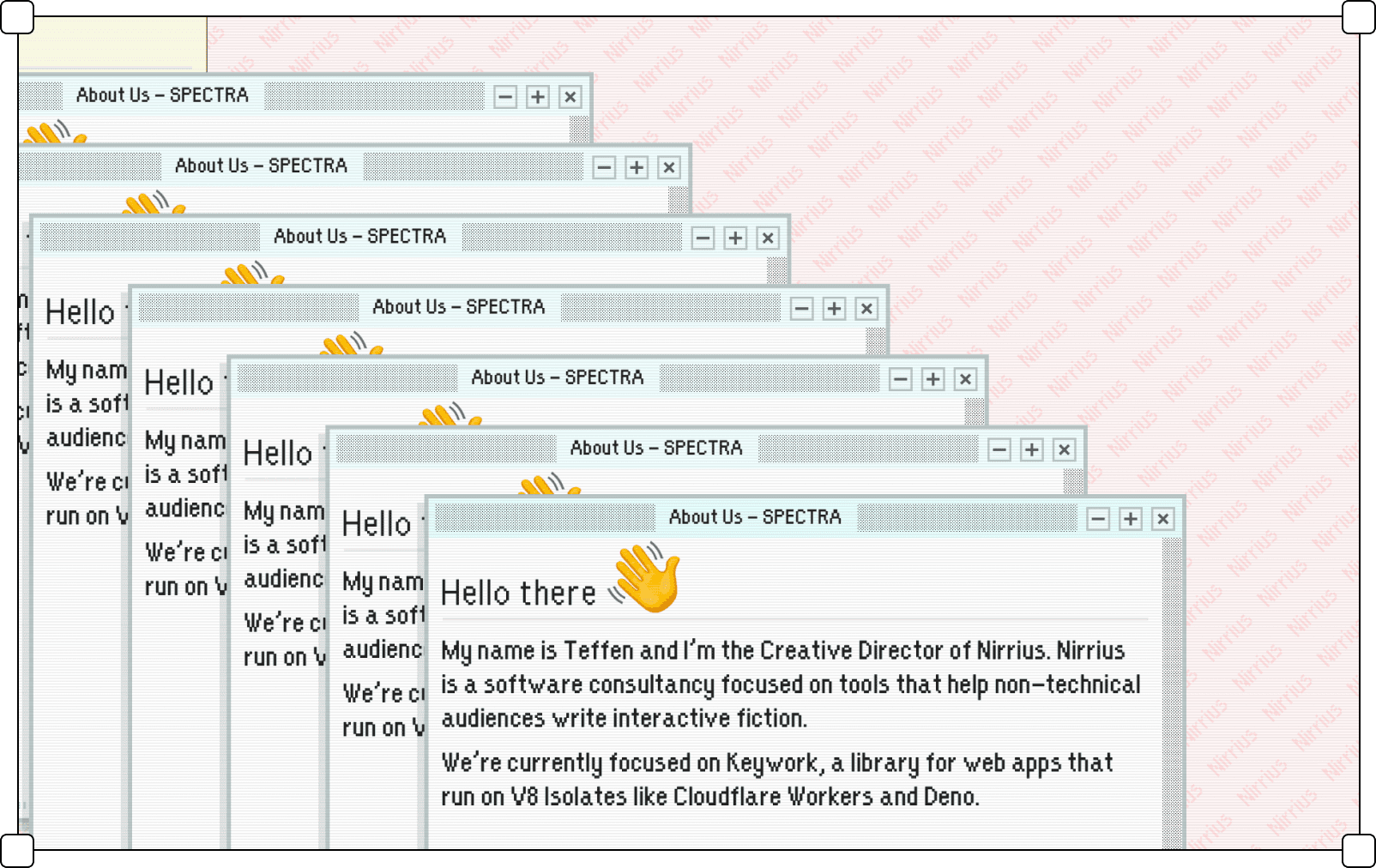
Content sits in layers that stack and overlap, the way open windows do on a desktop. The active layer comes to the front and the rest fall behind it, partially covered. Depth is implied by what covers what — a spatial arrangement rather than a flat, sequential one.

Frame shapes
Containers are strict rectangles: straight edges, consistent proportions, the geometry of a window frame. Nothing is organic or irregular — every element is a clearly bounded box, in keeping with the modernist logic of early operating systems.

Gradients
Gradients are rare, though they are sometimes creatively adapted to an author's own style (as in Martyna Wędzicka-Obuchowicz's visual identity for GrafConf design conference. Early operating systems could not render them cheaply, so flat fills became part of the look, and the style keeps that constraint even where hardware no longer imposes it. Where a gradient does appear it is usually a quotation — the two-tone blue title bar of a Windows 98 window, for example.

Borders
Borders are consistently visible — usually 1px, in system gray or near-black — and they carry real contrast against their surroundings. They mark where a window ends and the desktop begins, doing the structural work that spacing and shadows handle in other styles. Projects that go fully retro sometimes revive the bevelled, two-tone border of 1990s UI: light on the top and left, dark on the bottom and right.
Containers
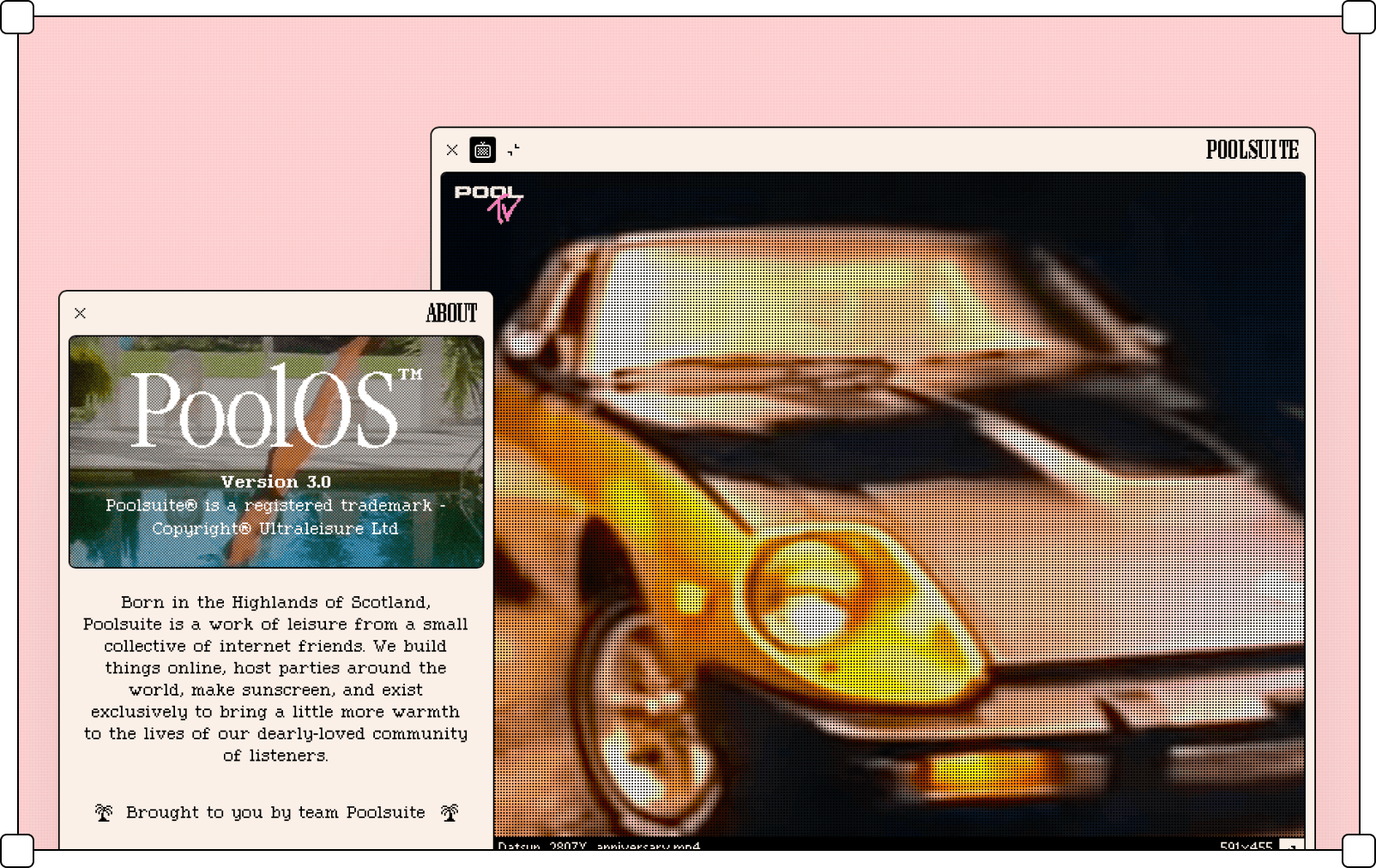
Subpages and content blocks behave like application windows: they open on top of the current view, carry a title bar with controls, and can often be dragged around the screen. Containers nest the way a dialog sits inside an application — a window within a window. The interaction model matters as much as the look: content is opened, moved, and closed rather than scrolled to.

Transparency
Surfaces are opaque. Transparency was technically out of reach for early operating systems, so solid fills became part of the visual memory of that era, and the style holds on to them. A translucent panel would break the illusion and pull the design toward Aero or Liquid Glass territory.

Shadows
Shadows appear under open windows to lift them off whatever lies beneath, and rarely anywhere else. They stay modest — a soft, low-opacity drop is enough. A common retro variant is the hard shadow: a solid block offset by a couple of pixels with no blur, the way early graphics hardware drew it.
Iconography
Icons are pictorial and labeled — a small image with a caption beneath it, arranged on a grid the way a desktop lays out its shortcuts. Clicking one opens a subpage, just as clicking a desktop icon launches an application. The imagery draws on the original desktop metaphor: folders, documents, trash cans, and other office objects that early operating systems used to make computing legible to people who worked at desks.


